AI Design Workflow Mastery: A Powerful New Method
I did not meet AI in a laboratory. Instead, I met it in the middle of real projects.
There were deadlines. There were clients.
And there were half-finished models on my desk.
At first, AI felt like a magic trick.
You wrote a clever prompt. You pressed a button. And suddenly you had images or text.
But something felt off.
Because the work itself had not changed. The same bottlenecks were still there.
Research was still slow. Moodboards still took hours.
Materials were still hard to compare.
Then a simple idea landed. The real power was not in the prompt.
It was in the AI Design Workflow around the prompt.
So, instead of treating AI like a toy, it made sense to treat it like a product inside the design process.
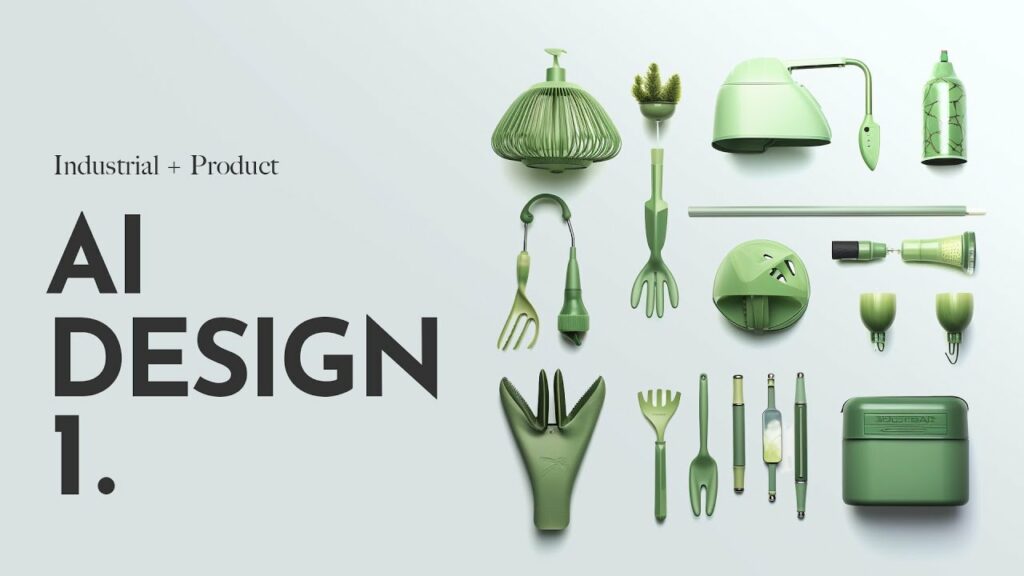
From random prompts to a real AI Design Workflow
A recent management insight helped shape this shift.
It argued that generative AI only creates value when teams think like product managers.
So they stop “playing” with tools.
And they start defining clear problems, designing flows, and testing them.
In design, that insight changes everything. Because a designer already knows how to think in journeys.
You never design only a chair. You design how someone approaches it.
How they sit. How they stand up and walk away.
Therefore, an AI Design Workflow needs the same care.
It starts with a simple question:
Which exact step in my process is fragile or slow?
Maybe it is the first research sweep. Maybe it is the narrative for a new collection.
Maybe it is the way you translate a physical model into a digital story.
Once that step is clear, the work begins. You design how AI enters.
You design what it receives. You design what it must deliver.
And then you test, refine, and repeat.
AI as a quiet collaborator in specific steps
In product and furniture design, the process is both physical and emotional.
There is wood, metal, fabric, and light. But there are also feelings, memories, and stories.
So an AI Design Workflow has to support both sides.
First, there is research.
Instead of browsing for hours, AI can scan references, summarize trends, and compare markets.
It can reveal patterns you might miss when you are tired.
As a result, your starting point is clearer and stronger.
Then there are moodboards.
Here, AI can suggest visual directions and unexpected combinations.
However, it does not replace your taste. You still curate, select, and refine.
The workflow becomes: brief → AI exploration → human editing → final board.
Next comes material exploration.
Now AI can list materials, coatings, and production options.
It can link them to sustainability, cost, or manufacturing constraints.
So you gain a map of possibilities much faster.
And then you choose with your own hands and experience.
Finally, there is story-writing.
Every object needs a story. A chair, a table, a stand, or a diorama all live inside a narrative.
Here, AI can offer a first draft or several angles. But you remain the author.
You sharpen the tone. You align it with the brand.
And you keep what feels true.
When these four steps are connected, they form a single AI Design Workflow.
Each part feeds the next. Each step has a clear input and output.
And AI becomes a collaborator you can trust, not a random generator on the side.
AI as “process furniture” in your studio
Furniture teaches an important lesson. A good piece does not shout.
Instead, it quietly supports a life. A table holds conversations.
A chair holds a body. A stand holds objects and stories.
Now imagine your AI Design Workflow as a set of invisible furniture pieces.
They do not appear in the final photos. They do not stand on a showroom floor.
Yet they hold the weight of your process.
There might be:
- A research “bench” that always delivers a focused design brief.
- A story “frame” that always gives you a structured narrative to refine.
- A moodboard “rail” that keeps references, AI images, and sketches in one consistent path.
Step by step, you design these supports. You give them rules. You test them on real projects.
You keep what works and discard what does not.
As a result, the AI in your studio stops feeling like a fad. It becomes part of your infrastructure.
It is not a star. It is a quietly reliable background system.
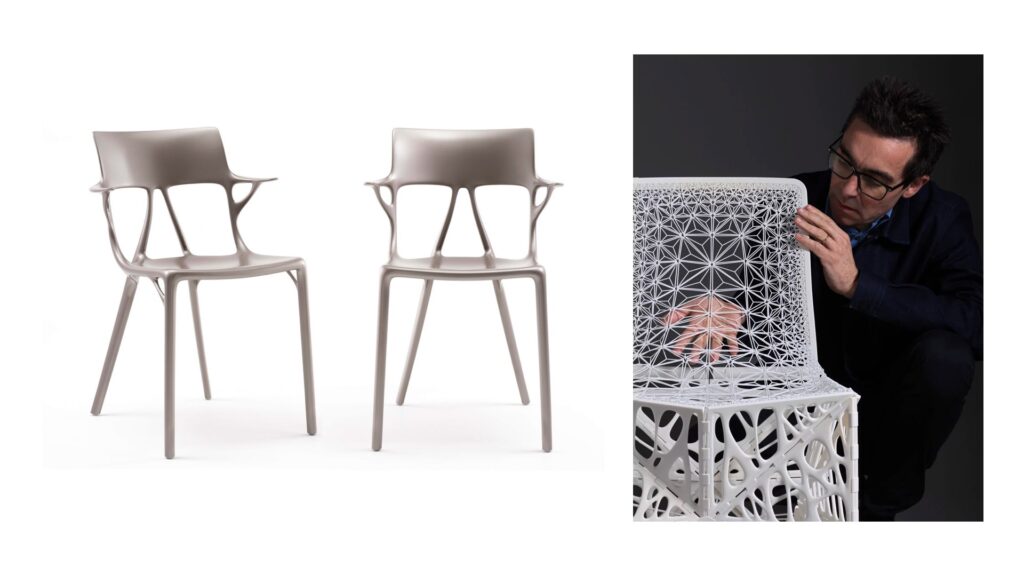
How this shapes the work you see in my portfolio
Over time, this way of thinking has shaped my own projects.
As a product and furniture designer with experience in digital marketing and web design, each piece is now linked to an AI Design Workflow behind the scenes.
When you explore my portfolio, you will see objects, stands and tables.
You will also see brand stories, digital experiences, and content systems in my blog
Behind many of them, there is a designed flow where AI supports research, moodboards, material thinking, and storytelling.
So the portfolio is not only a gallery of finished work.
It is also a trace of how AI and human craft can live together.
Carefully.
Quietly.
And deliberately.
Designing your own AI Design Workflow
In the end, mastery does not arrive in a single breakthrough.
Instead, it grows from one small, intentional change.
So you can start with just one step. Pick a recurring task in your design process.
Define what “better” would mean for that step.
Then invite AI into that moment only.
Create a simple flow. Test it on the next project. Adjust what feels wrong.
Keep what feels right.
Because once you treat AI like “process furniture” instead of a magic brush, everything shifts.
Your prompts become clearer. Your outcomes become more consistent.
And your AI Design Workflow becomes a quiet ally that holds up your creativity, your models, and the worlds you build around them.
External sources that can help:
Harvard Business Review – To Drive AI Adoption, Build Your Team’s Product Management Skills
https://hbr.org/2026/02/to-drive-ai-adoption-build-your-teams-product-management-skills
Journey Paris – How Stable Diffusion Improved My Workflow as a Designer
https://journey.paris/how-stable-diffusion-improved-my-workflow-as-a-designer/