Level up your next play session by treating gaming tools not as “extras” but as a secret UX layer that shapes how focused, fast, and immersed you feel every time you sit down to play.
Why gaming tools matter
Tools now sit at the crossroads of performance, focus, and creativity, especially for players who also create content or work from the same machine.
They help you monitor your system, streamline input, and even turn your gaming setup into a flexible workspace that supports deep work between matches.
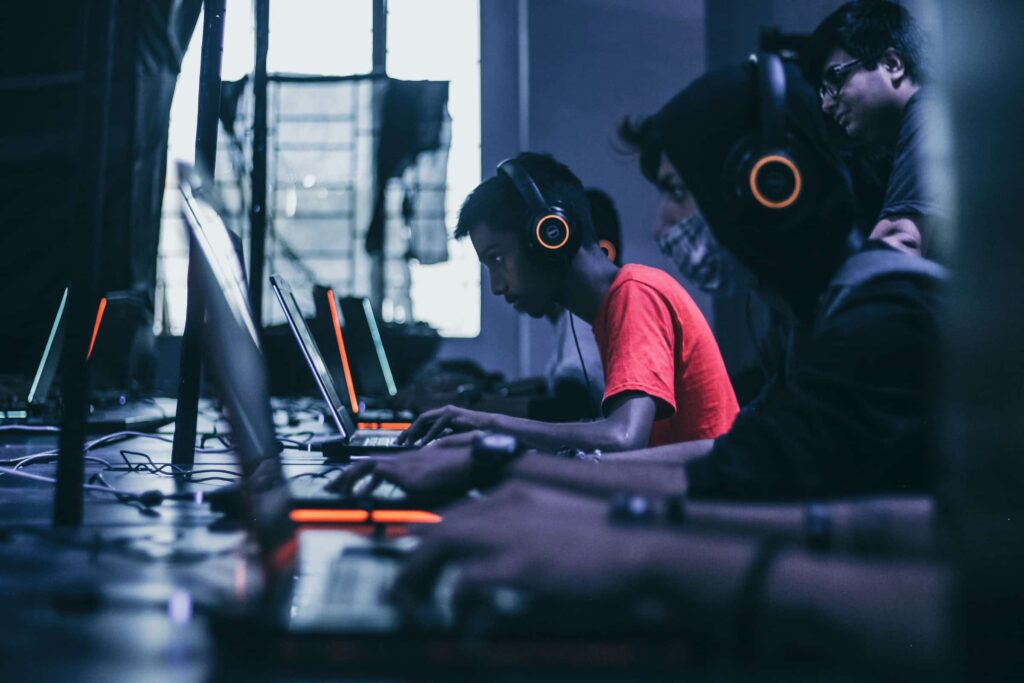
Core gaming tools for performance
For raw performance, look first at system monitoring and GPU suites: tools such as MSI Afterburner, RivaTuner Statistics Server, and NVIDIA GeForce Experience let you track temperatures, tweak fan curves, and optimize graphics presets automatically.
Combined with utilities like HWMonitor or Display Driver Uninstaller, you keep your rig stable, avoid driver conflicts, and maintain smooth frame times during long sessions.
Gaming tools that boost focus
Beyond FPS, modern gaming tools now target your brain, not just your hardware.
Ambient, game-like focus apps such as Spirit City: Lofi Sessions or Virtual Cottage use timers, gentle visuals, and subtle rewards to help you stay in flow while writing, studying, or planning your next build.
For creators and streamers
If you share highlights or stream on Twitch, OBS Studio and Voicemeeter Banana remain essential tools for routing audio, capturing 4K60 footage, and managing multiple scenes with minimal overhead.
Meanwhile, multipurpose capture apps like ShareX let you grab screenshots, GIFs, and short clips directly from your games, then upload them automatically to your preferred platforms.
Turning gaming tools into design allies
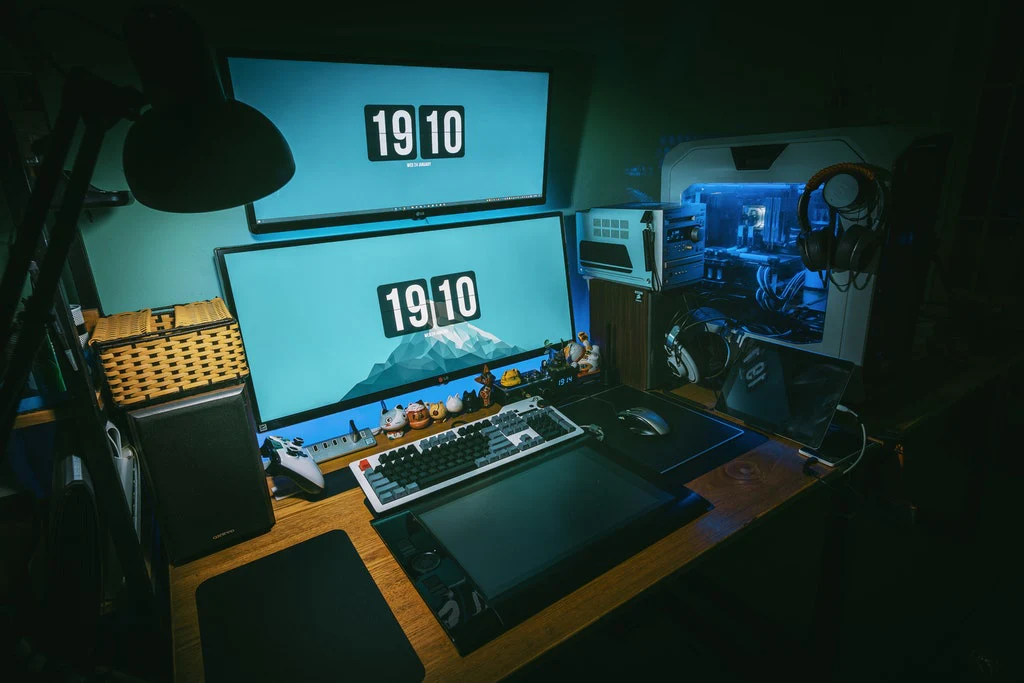
For designers and educators, the most powerful gaming tools are sometimes hiding inside the furniture itself. In example, projects such as the HAEF flexible classrooms on the intellence.eu portfolio, computer-equipped desks rise and disappear on command, transforming a room from digital to analog collaboration space in seconds.
How to choose the right tools
When evaluating new gaming tools, start with three filters: performance impact, friction reduction, and signal-to-noise ratio. In addition, if a tool does not either make your games run better, simplify your workflow, or remove distractions, uninstall it and keep your stack intentionally lean.
Next steps with gaming tools
To go deeper into building future-proof digital spaces and learning environments that borrow lessons from gaming tools, explore the workspace projects on the intellence.eu portfolio.
For more on must-have gaming utilities and focus-enhancing “productivity games,” check roundups like this TechTimes guide and Spirit City coverage that detail concrete software stacks you can start using today.